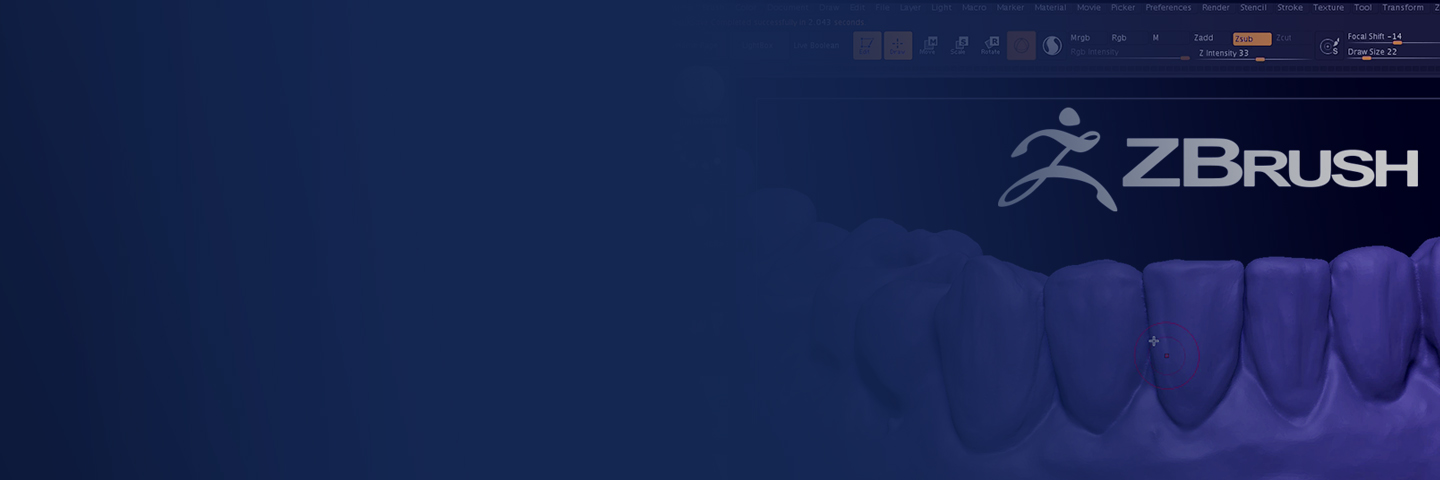
ZBrush – an Alternative CAD Software
Unlock the potential of ZBrush for digital dentistry. Learn organic sculpting techniques to create highly detailed, customized dental restorations. Enhance your CAD skills and revolutionize your digital workflow.
ZBrush was never built for dentistry. It is the sculpting program the film and games industries use for characters and creatures, and that is exactly why Dr. Paul Zhivago uses it for crowns, provisionals, motivational wax-ups and denture teeth. It behaves like wax. You push, pull, carve and smooth with a pen, using the hand skills every dentist already has, and it copes with enormous files without slowing down. Because it is open, everything you make moves in and out as STL or OBJ, so it sits alongside exocad and Blue Sky Plan rather than replacing them.
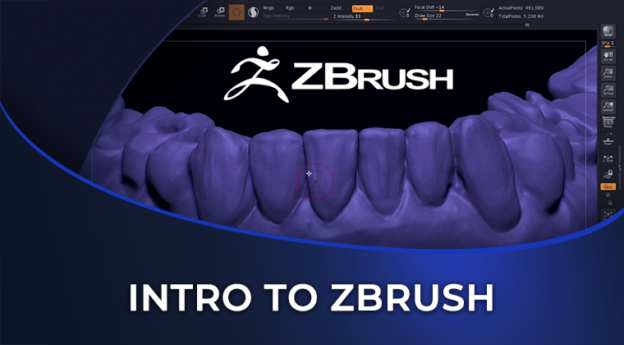
This is the introduction. Dr. Zhivago, a prosthodontist and implant surgeon who directs digital dentistry for the postgraduate prosthodontic program at NYU, starts from a blank canvas and ends with a molar crown shell you could print and reline. Along the way you learn the interface, the four brushes he actually uses, the two sculpting modes, masking, and the export path to a printer.
Lesson 01 is the workspace. Why the program feels different from dental CAD, what equipment helps (a pen tablet and a glove, not a mouse), how to get out of draw mode into true 3D editing, how subtools and materials work, and what Clay Buildup, Move and Damien Standard each do. You also learn the modifier keys that run the whole program. Shift smooths, Alt inverts, Ctrl masks.
Lesson 02 is the build. A sphere becomes an upper molar, macro shape first with the Move brush, cusps and ridges with Clay Buildup in Sculptris mode, grooves and margins with Damien Standard, then smoothing and refinement. The tooth is masked and the Extract function turns its surface into a thin shell, which is exported through 3D Print Hub as an STL.
The course runs 37 minutes across two lessons and one CPD/CE quiz, and carries 1 CPD/CE hour. It is pitched at clinicians and technicians who are curious about ZBrush and have not opened it, or who have and found it baffling. No prior ZBrush experience is assumed. Occlusion, articulation and smile design are deliberately left for the follow-on courses, and the software pricing mentioned in the recording is 2021 pricing that has since changed (ZBrush is now sold by Maxon), so check current licensing before you buy.
What you will learn
- Where ZBrush came from, what it is good at, and why it suits organic dental shapes better than parametric CAD
- The equipment that makes it comfortable (pen tablet, drawing glove) and why a mouse is the hard way
- How to move from 2.5D draw mode into 3D edit mode, and how subtools, the transparent toggle and materials work
- The three sculpting brushes Dr. Zhivago relies on (Clay Buildup, Move, Damien Standard) and the add/subtract toggle
- Normal versus Sculptris mode, and why the polygon mesh decides how much detail you can carve
- The modifier keys (Shift to smooth, Alt to invert, Ctrl to mask) and the history slider
- Building a molar from a sphere, macro form first, then cusps, ridges, grooves and margins
- Masking the tooth and using Extract to create a printable shell, then exporting STL or OBJ through 3D Print Hub
Where this leads. Dr. Zhivago’s Blue Sky Plan – Implant Treatment Planning and Temp Restoration course assumes you have watched this one, and picks up ZBrush again to finish an implant provisional. His 3D Smile Design using Smilecloud and ZBrush Software course uses the same tools for aesthetic mock-ups.
Sold as part of the 3D Printing and Design Bundle and the Digital Smile Design Bundle.
Course Content
About Instructor
Course Includes
- 1 Chapter
- 2 Lessons
- 1 Quiz
- Course Certificate
Ratings and Reviews