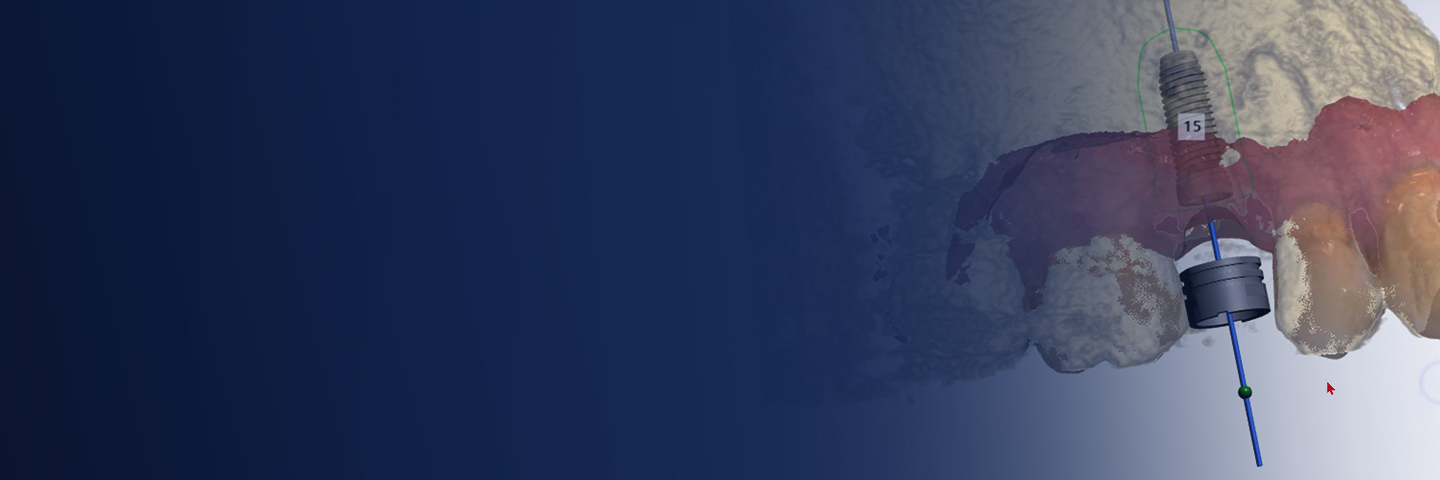
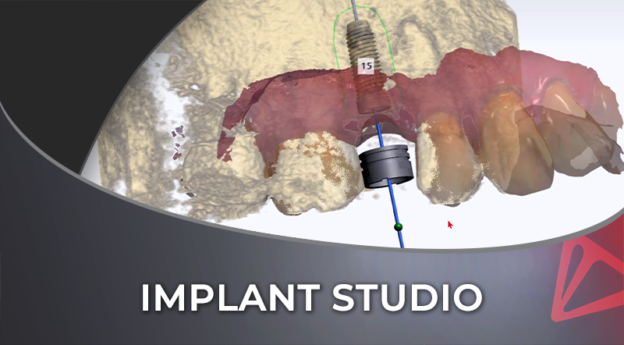
3Shape Implant Studio Workflow
Plan a single maxillary implant in 3Shape Implant Studio from the diagnostic crown, through the scan merge and the surgical guide to a temporary screw-retained crown, then two mandibular implants around the nerve. Taught by Richard Schumacher, then 3Shape's clinical trainer for Australia and New Zealand, and recorded in 2022. One chapter, three lessons, 66 minutes, 1.5 CPD/CE hours.

You have the CBCT and the intraoral scan. The implant should go where the crown needs it, as far as the bone allows, clear of the adjacent roots, the sinus and the nerve.
In 3Shape Implant Studio that comes down to a series of steps. Confirm a scan merge that is wrong, and the surgical guide can send the drill to the wrong place.
By the end of this course you should be able to plan a single maxillary implant from a diagnostic crown, then design its surgical guide and a temporary screw-retained crown. You should also be able to plot the inferior alveolar nerve and plan two parallel mandibular implants, with a guide for a free-end saddle.
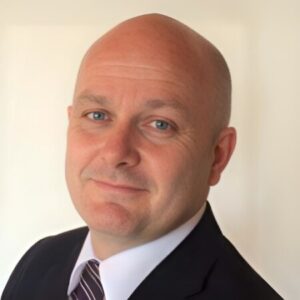
Richard Schumacher teaches it on screen, in the software. At the time of recording he was 3Shape’s clinical trainer in Australia and New Zealand for TRIOS, TRIOS Design Studio and Implant Studio. He was a dental technician for 25 years.
He shows you how to drive the software, and says plainly that he is not telling you how to place implants. Every clinical decision stays with you.
He recorded this in 2022.
One chapter, three lessons and 66 minutes of video, with a ten-question quiz after the lessons. Lessons one and two take one maxillary premolar case from the diagnostic crown to the surgical guide and the temporary crown. Lesson three plans two mandibular implants around the nerve.
What you will learn
- Why the plan starts from a diagnostic crown, and what the crown tells you about the space before you choose an implant
- The crown design tools, and how far to take them on a diagnostic setup
- Cropping the CBCT
- Confirming the merge of the intraoral scan and the CBCT, a step the software will not let you skip, and aligning it by hand when metal scatter stops the automatic merge
- Choosing and placing the implant clear of the adjacent roots and the sinus, with the Misch bone density scale
- Plotting the inferior alveolar nerve
- Grouping two implants so they stay parallel
- The drill safety zone and the measuring tools
- Designing the surgical guide, with room to irrigate, orientation marks for a fully guided placement, and viewing windows that show it has seated
- The surgical report and the drill protocol, and what you accept when you approve the plan and the guide
- A temporary screw-retained crown, from the emergence profile to the STL file
1.5 CPD/CE hours, assessed by one ten-question quiz with an 80 percent pass mark, no time limit and unlimited retakes. The Institute of Digital Dentistry is an AGD PACE approved provider, Provider ID 403044.
You get lifetime access to the course as recorded.
Written for dentists who place implants and want to plan their own cases in 3Shape Implant Studio, including those opening the software for the first time. Richard notes that Implant Studio is an open system, so a surface scan from another scanner comes in as an STL or PLY file.
This course plans two cases from an intraoral scan merged with the CBCT. It does not cover two workflows for fully edentulous cases: the dual scan technique with the patient’s denture and radiopaque markers, and the bone-supported guide. Bartek Bernat teaches both in his 3Shape Implant Studio course, sold separately.
It also does not teach surgical protocol or how to place implants. All-on-4 cases and locator-retained overdentures come up only in passing.
Sold as part of the Digital Implantology Ultimate Bundle.
Course Content
About Instructor
Course Includes
- 1 Chapter
- 3 Lessons
- 1 Quiz
- Course Certificate
Ratings and Reviews